CS 180 Final Project–– Neural Radiance Fields!

Aarav Patel

Overview

The first part of this project involved applying a Neural Field for 2D image reconstruction. After introducing the topic, the project evolved into leveraging Neural Radiance Fields (NeRFs) to represent a 3D space.

Part 1: Fit a Neural Field to a 2D Image

This part aims to reconstruct a 2D image using a Neural Field, a simplification of the NeRF. I began by creating a Multilayer Perceptron (MLP) network with Sinusoidal Positional Encoding (PE) in PyTorch. The end goal is to input a coordinate to the model and have it output the color at that pixel. The PE increases the dimensionality of the input dimensions by applying a series of sinusoidal functions. The PE is controlled using a hyperparameter (L) that defines the frequency level at which to encode the input: as L increases, the PE encodes more complex information about the input coordinate and vice versa. The PE model used is shown below:

\( PE(x) = \{x, \sin(2^0\pi x), \cos(2^0\pi x), \sin(2^1\pi x), \cos(2^1\pi x), \ldots, \sin(2^{L-1}\pi x), \cos(2^{L-1}\pi x)\} \)

For my MLP, I used the model provided in the project specifications. The input layer (the size of this layer corresponds to the dimension of the encoded input determined by L) is the input coordinate encoded using the PE. This feeds into the two subsequent hidden layers (fully connected linear layers of size 256 with ReLU non-linearities). Lastly, the output layer maps the hidden features to 3 output dimensions representing RGB. A Sigmoid activation is then applied to constrain the output between 0 and 1 (valid RGB range).

Since training the network with every pixel at each iteration is not feasible due to GPU limits, I implemented a Dataloader. The dataloader randomly samples N pixels from the image to provide the MLP for each iteration of training, where N is the batch size. Provides the MLP with data during the training process. Specifically, passing these N randomly sampled pixel coordinates along with their RGB values to the MLP allows us to supervise the training. I used mean squared error (MSE) loss between the predicted RGB and ground-truth RGB along with the Adam optimizer to train the model. However, I used the Peak signal-to-noise ratio (PSNR) computed from the MSE, as shown below, to measure the reconstruction quality of the model's predictions.

\( PSNR = 10 \cdot \log_{10}\left(\frac{1}{MSE}\right) \)

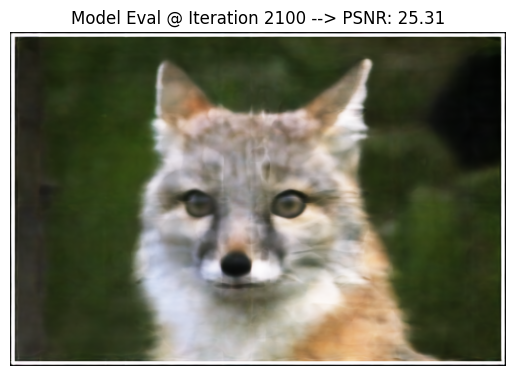
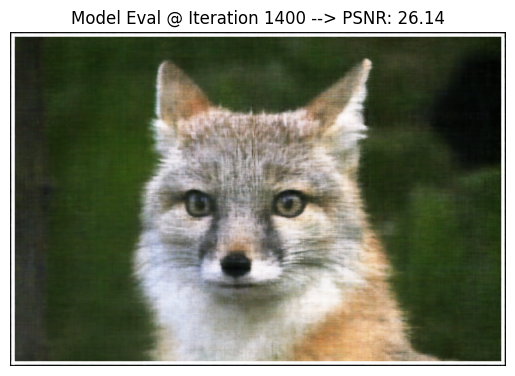
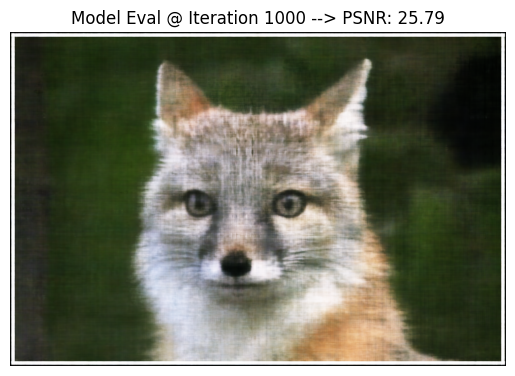
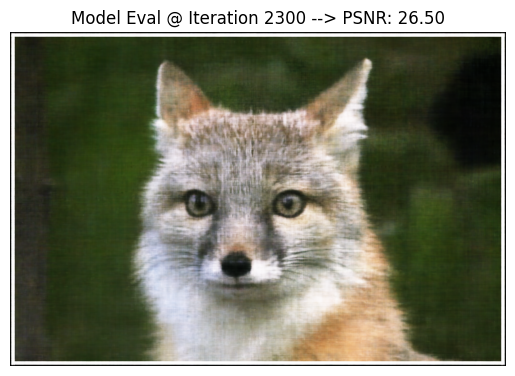
To begin, I first used the default parameters provided by the project:

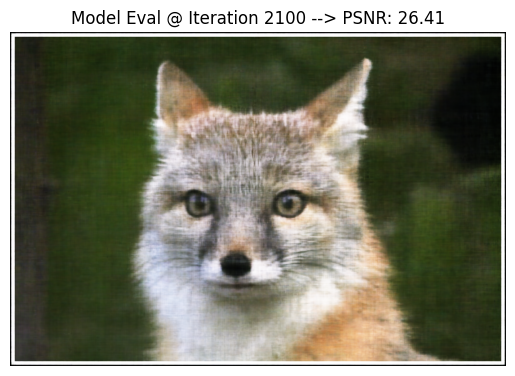
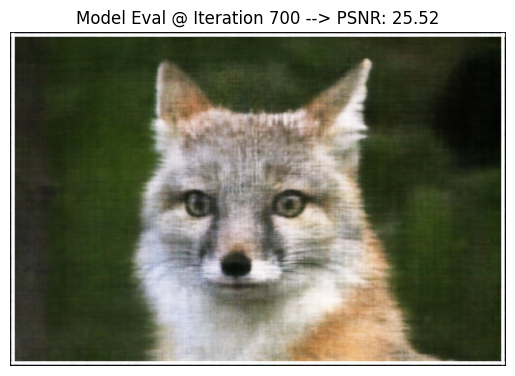
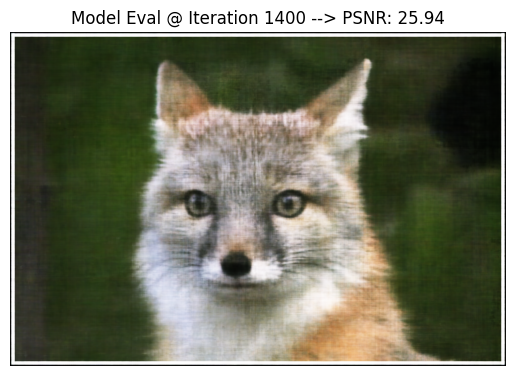
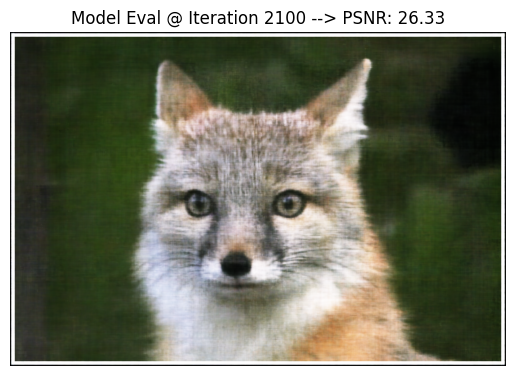
Image 1
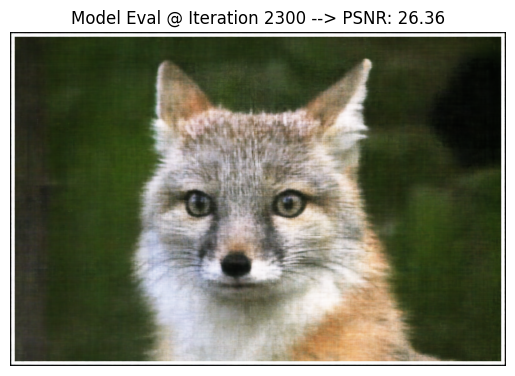
Image 2
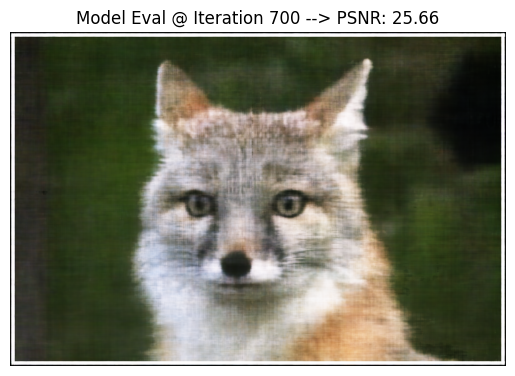
Image 3
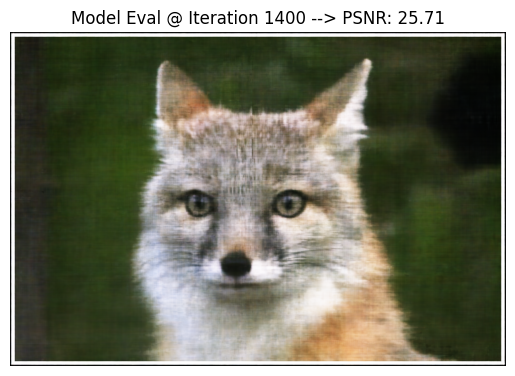
Image 4
Image 5

Original Image

Original Image

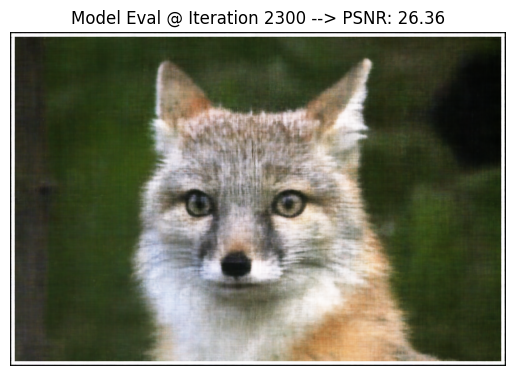
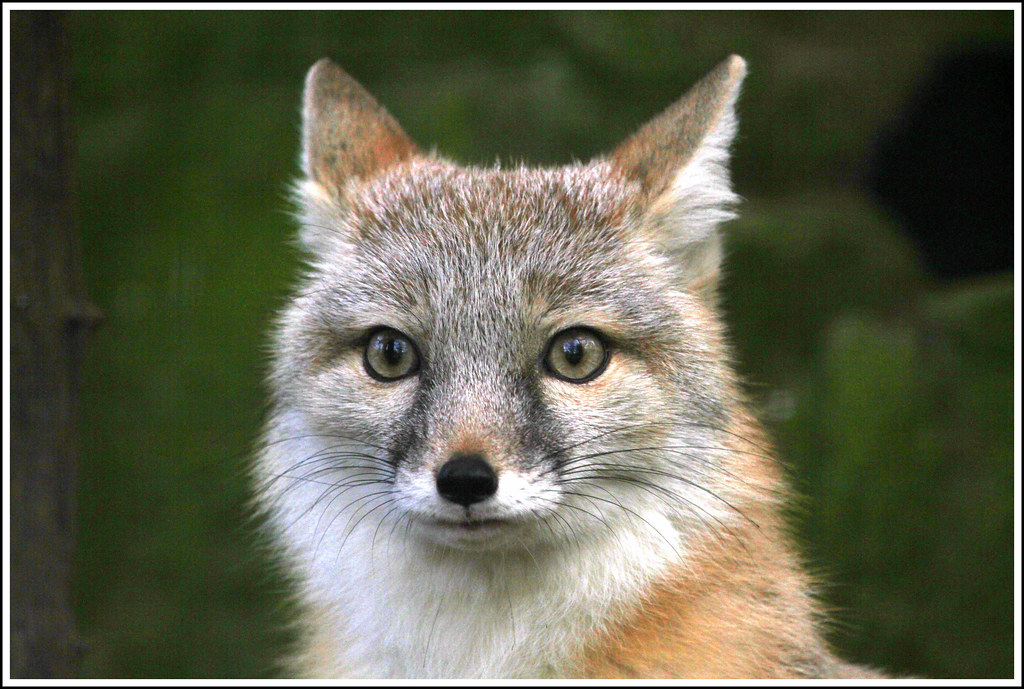
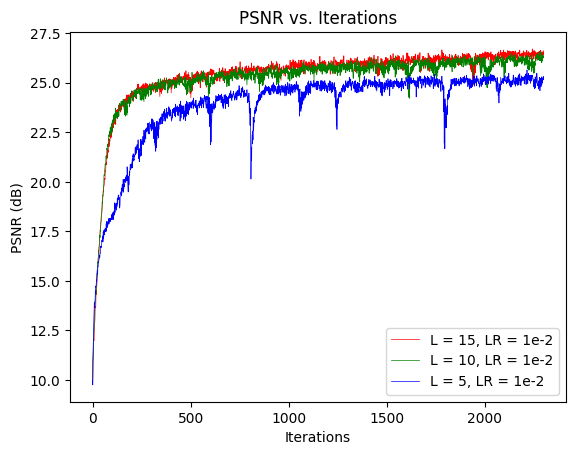
As you can see, the default hyperparameters did decently well in reconstructing the image with a final PSNR of 26.36.

Next, I aimed to fine-tune some of the hyperparameters to get a better PSNR score; specifically, I studied the effects of altering L and Learning Rate.

In my study of L, I kept all the other hyperparameters constant. Below are the three sets of hyperparameters that I used in this study. Note that Set 2 is identical to the default parameters–– hence, it was not trained again. Also, the input dimensions used to instantiate the model differed based on the value of L (which I've recorded below).

Set 1 Parameters:

  • L = 5 (input dimension = 22)
  • hidden_dimensions = 256
  • batch_size = 10,000
  • num_iterations = 2,300
  • learning_rate = 1e-2

Set 2 Parameters:

  • L = 10 (input dimension = 42)
  • hidden_dimensions = 256
  • batch_size = 10,000
  • num_iterations = 2,300
  • learning_rate = 1e-2

Set 3 Parameters:

  • L = 15 (input dimension = 62)
  • hidden_dimensions = 256
  • batch_size = 10,000
  • num_iterations = 2,300
  • learning_rate = 1e-2

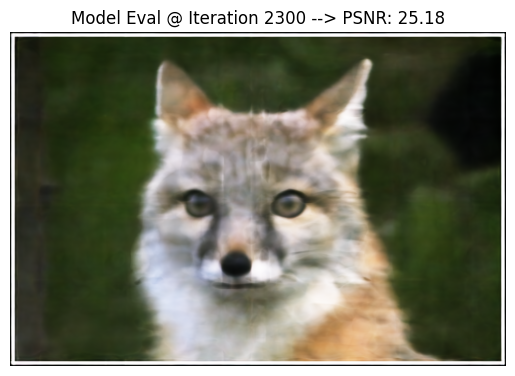
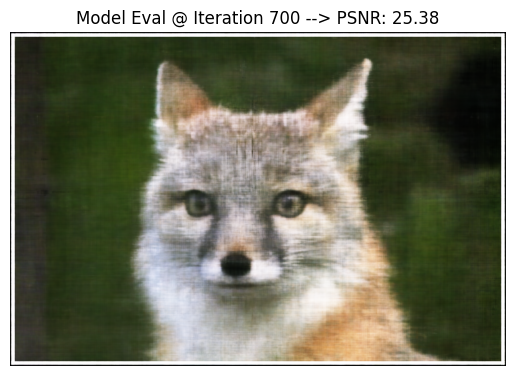
Here is how Set 1 (L = 5) performed:
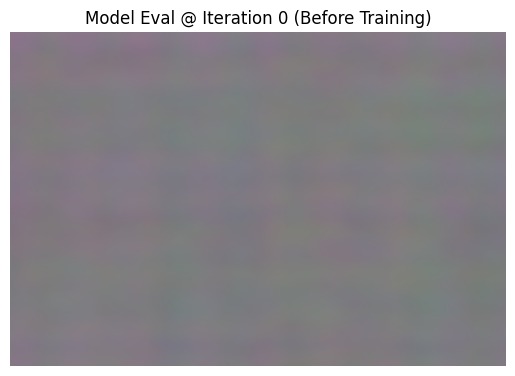
Image 1
Image 2
Image 3
Image 4
Image 5

Original Image

Original Image

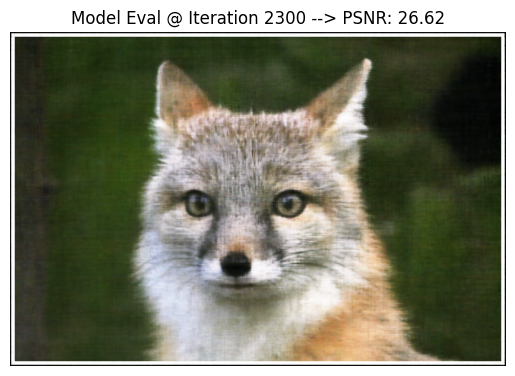
Here is how Set 3 (L = 15) performed:
Image 1
Image 2
Image 3
Image 4
Image 5

Original Image

Original Image

As shown in the plot below, Set 3 performed the best with a PSNR of 26.62.
Original Image

From the experiments above, I concluded that L = 15 was the most ideal value of those tested. I then held L = 15 constant and studied the Learning Rate using the 3 Sets below. Note that Set 2 below was the same as Set 3 in the prior experiment–– hence, it was not trained again.

Set 1 Parameters:

  • L = 15
  • hidden_dimensions = 256
  • batch_size = 10,000
  • num_iterations = 2,300
  • learning_rate = 5e-3

Set 2 Parameters:

  • L = 15
  • hidden_dimensions = 256
  • batch_size = 10,000
  • num_iterations = 2,300
  • learning_rate = 1e-2

Set 3 Parameters:

  • L = 15
  • hidden_dimensions = 256
  • batch_size = 10,000
  • num_iterations = 2,300
  • learning_rate = 1.5e-2

Here is how Set 1 (Learning Rate = 5e-3) performed:
Image 1
Image 2
Image 3
Image 4
Image 5

Original Image

Original Image

Here is how Set 3 (Learning Rate = 1.5e-2) performed:
Image 1
Image 2
Image 3
Image 4
Image 5

Original Image

Original Image

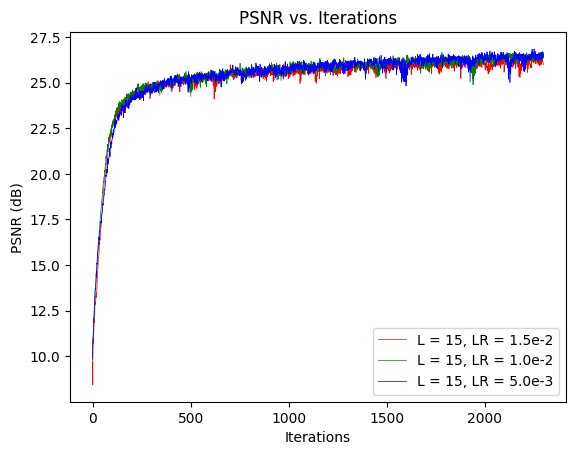
As you can see from the plot below, Set 2 performed the best with a PSNR of 26.62.
Original Image

From the experiments above, I concluded that Learning Rate = 1e-2 was the ideal value for those tested. The finalized hyperparameters after tuning were:

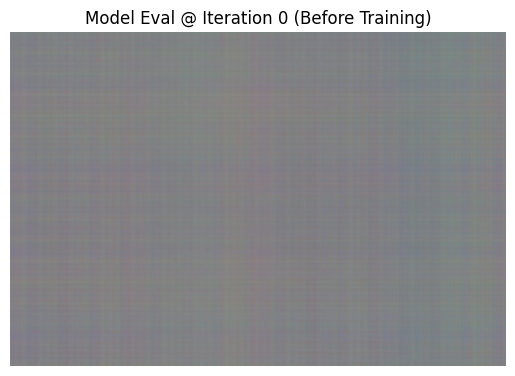
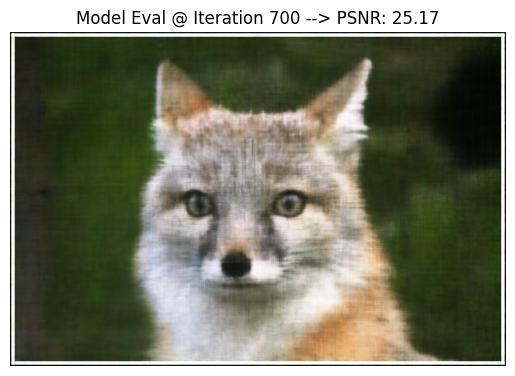
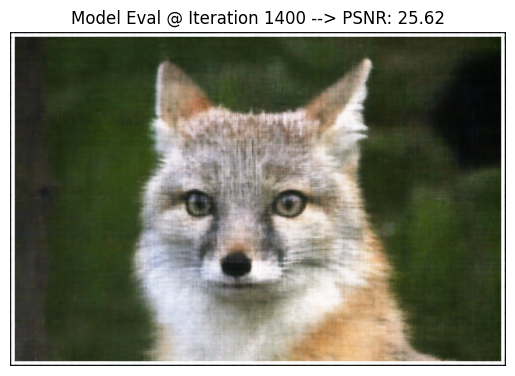
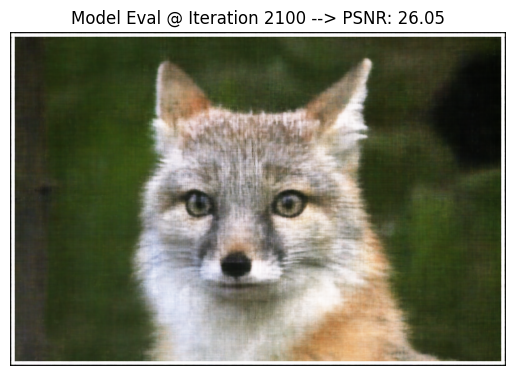
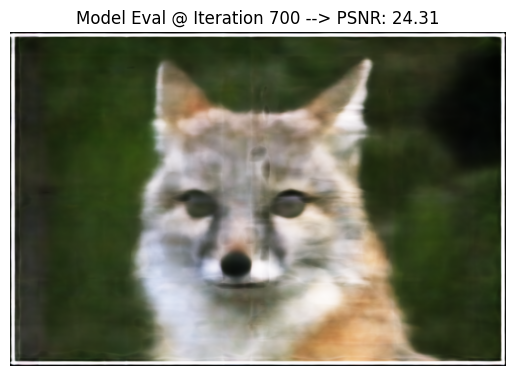
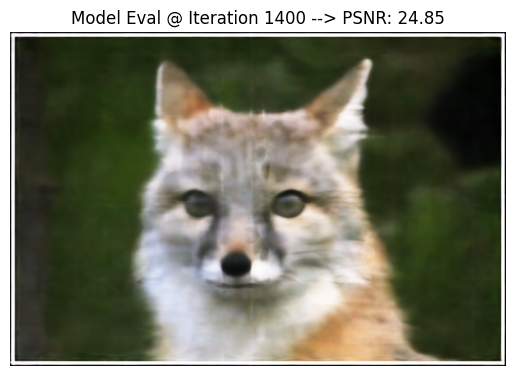
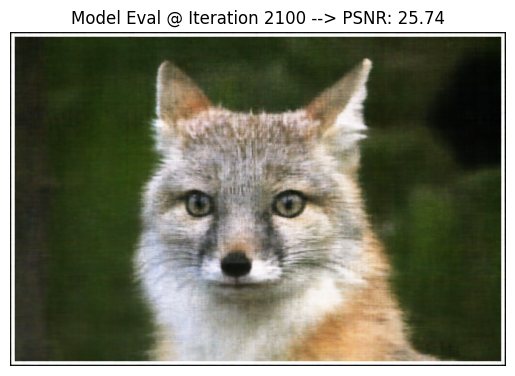
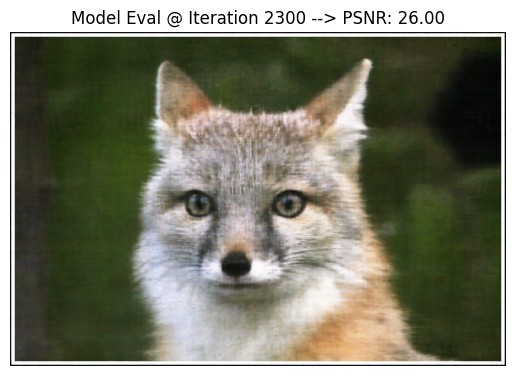
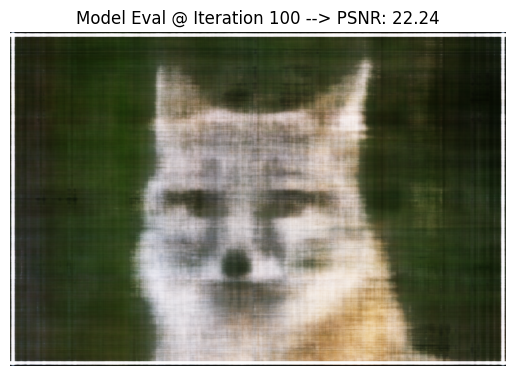
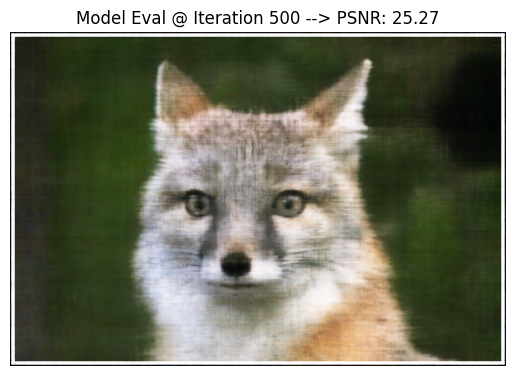
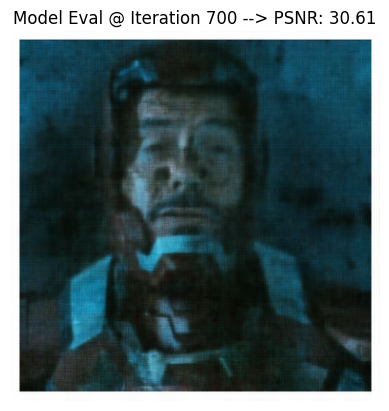
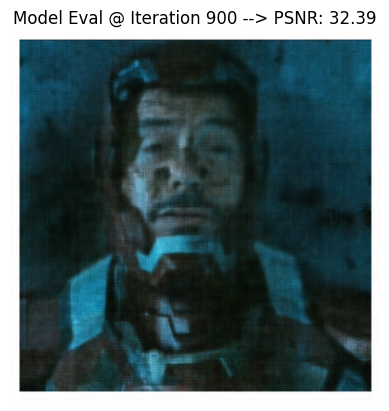
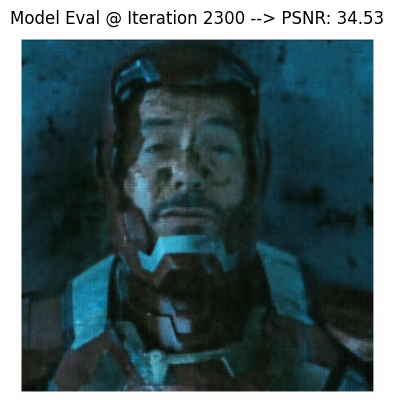
Below, I've shown the progression of training a model with these hyperparameters at strategically chosen iterations instead of the previously evenly spaced displays. I used the PSNR plot to discern iterations where noticeable changes can be seen.
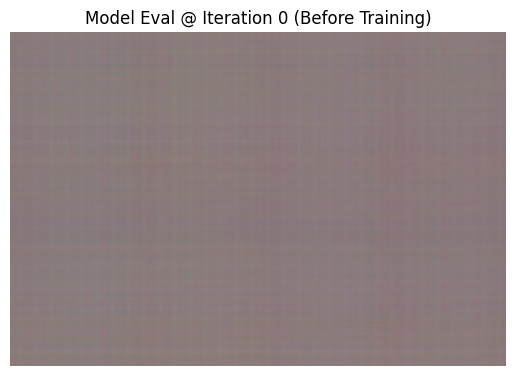
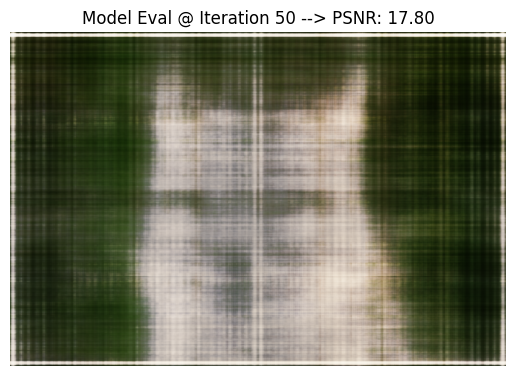
Image 1
Image 2
Image 3
Image 4
Image 5
Image 6

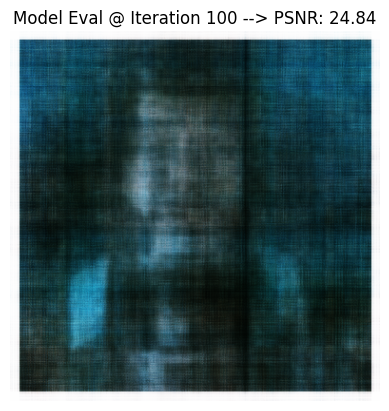
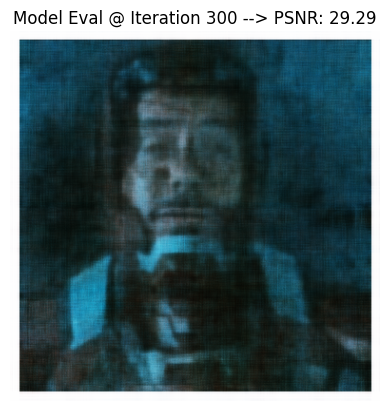
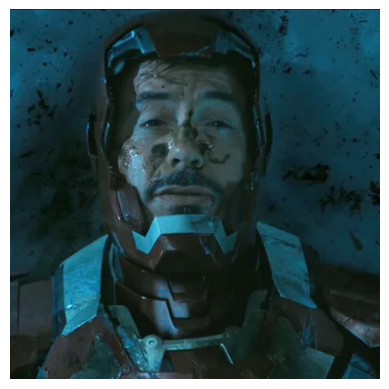
I repeated this procedure for one of my images using these finalized hyperparameters.
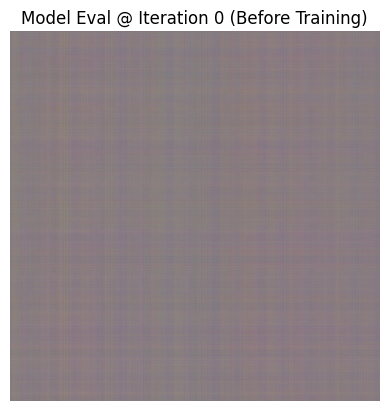
Image 1
Image 2
Image 3
Image 4
Image 5
Image 6

Original Image

Original Image
Chart Image

Part 2: Fit a Neural Radiance Field from Multi-view Images

This section focuses on 3D scene reconstruction using camera intrinsics/extrinsics and NeRFs. By using sensor information from different viewpoints, you can train a model on a 3D scene.

2.1: Create Rays from Cameras

In this part, I created three helper functions to support the NeRF. First, I implemented camera-to-world coordinate conversion using a rotation matrix and translation vector. Next, I implemented pixel-to-camera coordinate conversion. Using the pinhole camera model, the intrinsic camera matrix is used to project 3D points from the camera coordinate system into 2D-pixel locations. Inverting the process recovers the 3D camera coordinates from the pixel locations and depth values. Lastly, I implemented pixel-to-ray generation. The ray origins correspond to the camera's location. The ray directions are derived from normalizing the difference between world coordinates for points along the ray and the ray origin.

2.2: Sampling

First, I implemented the code to sample random rays from training images. The process selects rays by sampling random images and then selecting random pixel coordinates within each image. The process then uses the pixel_to_ray function created earlier to compute the ray origins and directions. For the pixels sampled from the training images, this process also retrieves their RGB color. Next, I implemented the process that samples points along rays. It begins by decomposing the ray in uniformly spaced points between the predefined range and defining sample positions along each ray. Pertrubution is used to make sure all the points are touched during training. Finally, using the ray origin and direction, we can create a set of 3D points along the ray.

2.3: Putting the Dataloading All Together

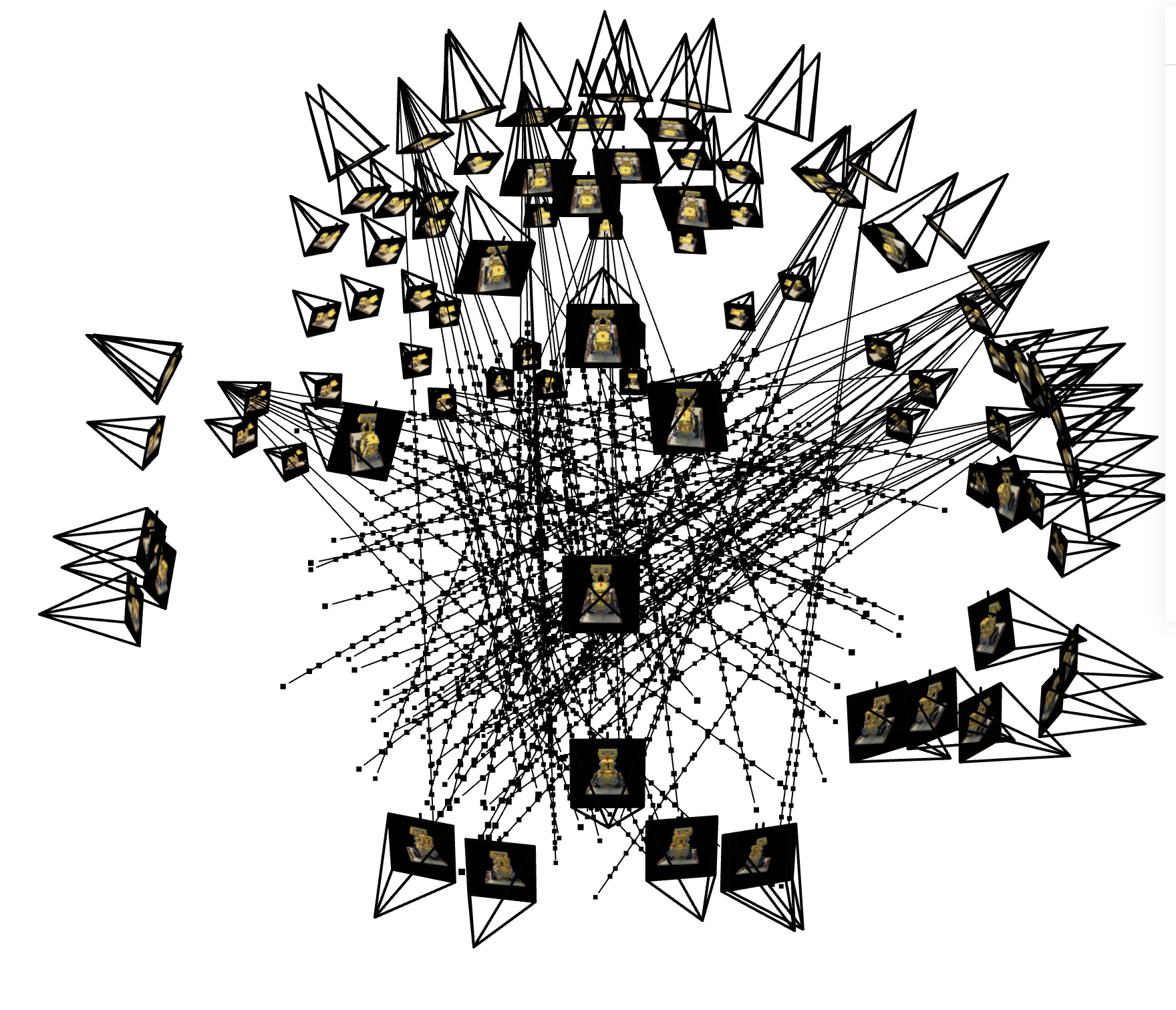
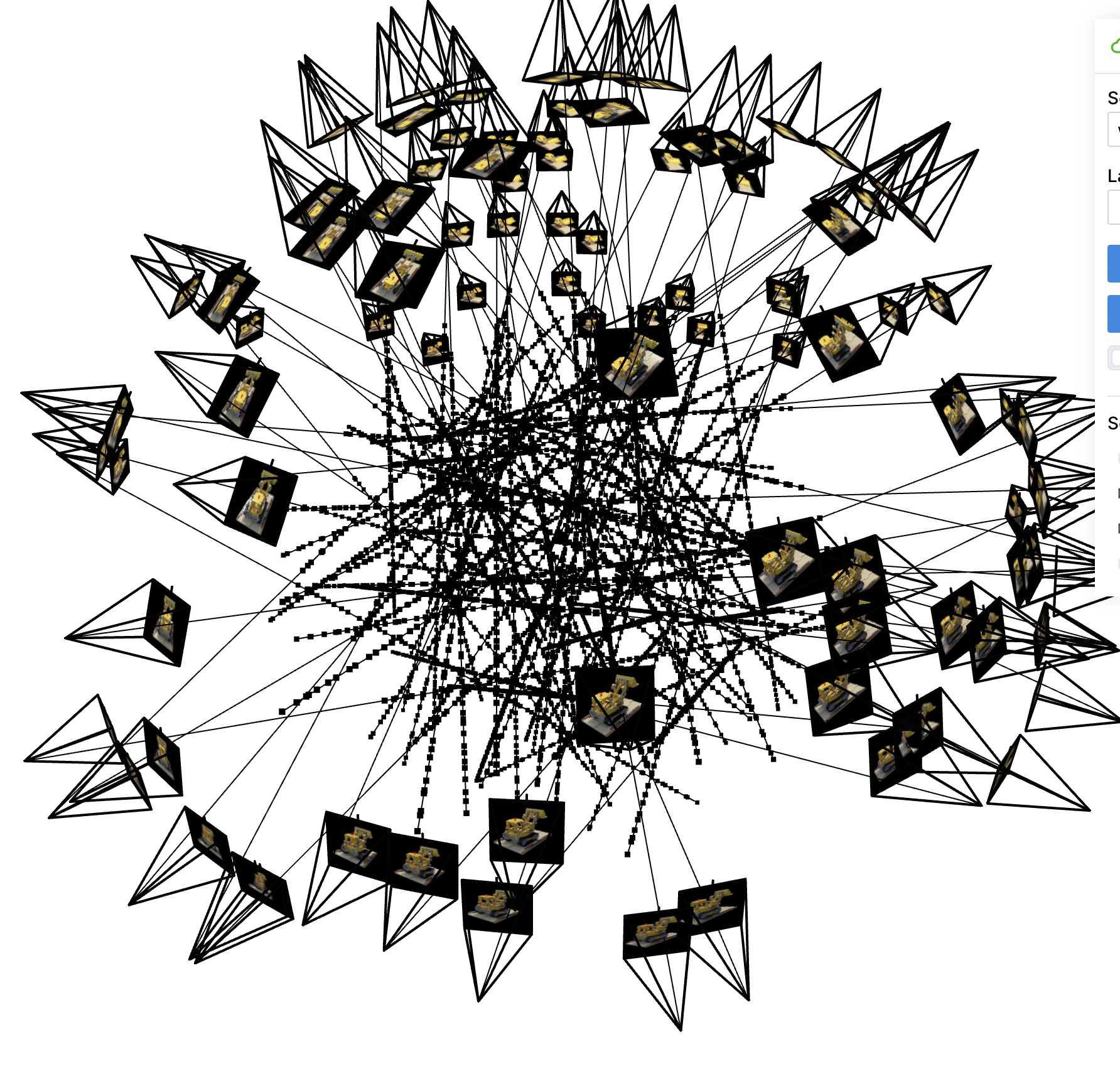
Here, I created the dataloader to sample the rays during the training process. It randomly samples pixel coordinates from the training images and uses them to generate ray origins and directions by converting the 2D pixel coordiantes into camera space and transforming them into world space. To supervise the model, the true pixel colors for the sampled coordinates are also served during training. Below, I've used the provided sample code to test my implementation and produce a 3D visual of the rays, cameras, and sampled 3D points.

Rays and Samples

2.4: Neural Radiance Field (NeRF)

Here, I created the NeRF model to predict the color and density of points in 3D space. The model expands on the 2D model used in Part 1. Once again, the coordinates are first processed with sinusoidal positional encoding (PE). The model is similar to the MLP from Part 1, but it has a few differences. First, the input is now in 3D and we are outputting the density for the 3D coordinates in addition to the color. Second, the MLP is deeper as a more challenging task requires a more robust network. Third, the encoded input is injected into the middle of the MLP so that the deeper network doesn't forget about the input.

2.5: Volume Rendering

Here, I wrote the function to compute the core volume rendering equation. It determines the final rendered colors for a point using the rays that pass through it. The original function was represented as a continous integral, so we can discretize it using a sum. As parameters, the function takes densities, colors, and interval between sampled points on a ray. I used this function to create the frames for the novel scene.

Final Results

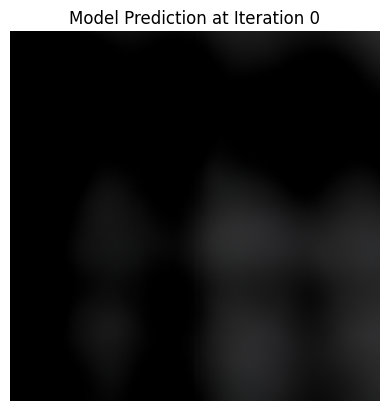
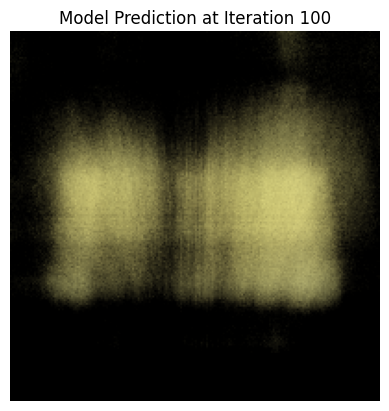
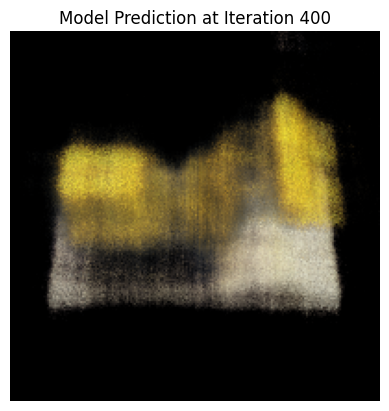
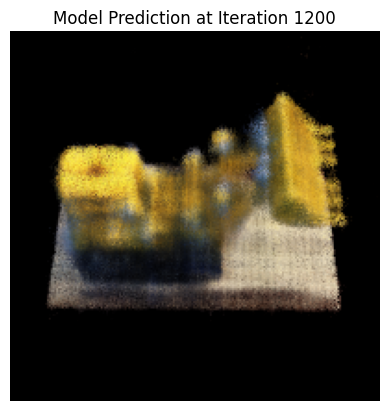
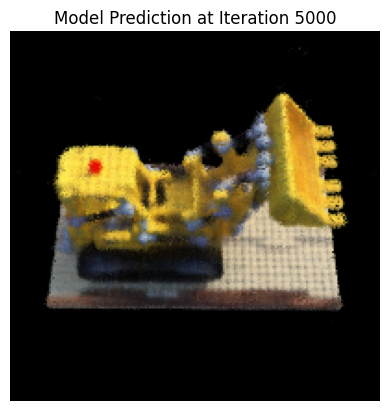
Below I've shown the the progress of my model while training (one perspective)

Image 1
Image 2
Image 3
Image 4
Image 5

Here, I show a video of this transisition taking place (referring to the images above). Reload the page to see the restart animation.

Training Progress GIF

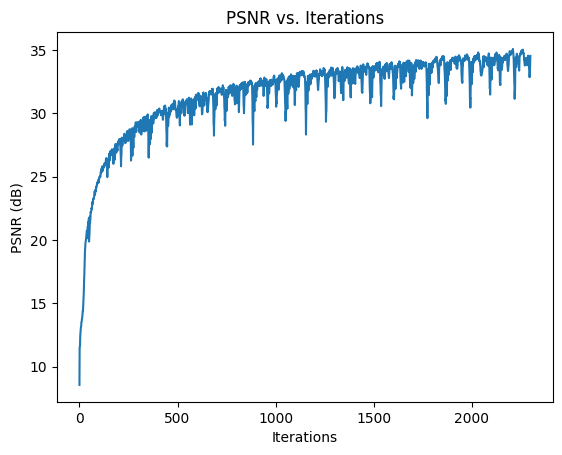
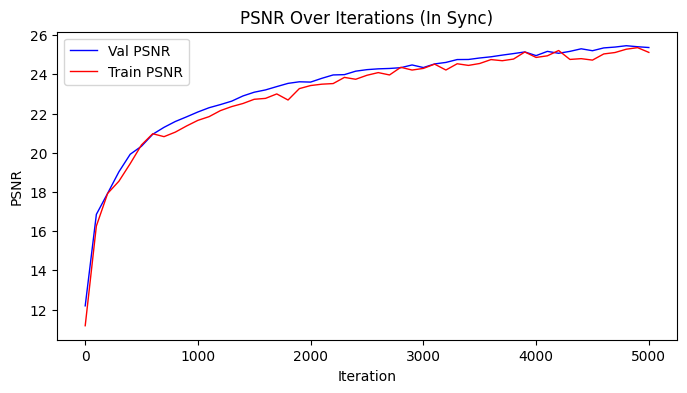
Here is the training plot for my model

Training Plot

Here I show a visual of the rays and samples I drew at a single training step (along with the cameras). I only show the first 100 rays to avoid overcrowding the image.

Rays and Samples

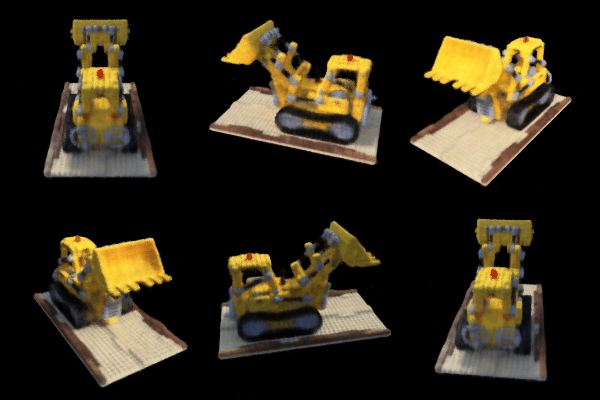
Here I show a video of my model performing a novel rendering of the 3D scene (spherical rendering). Reload the page to see the restart animation.

Training Progress GIF

Bells and Whistles

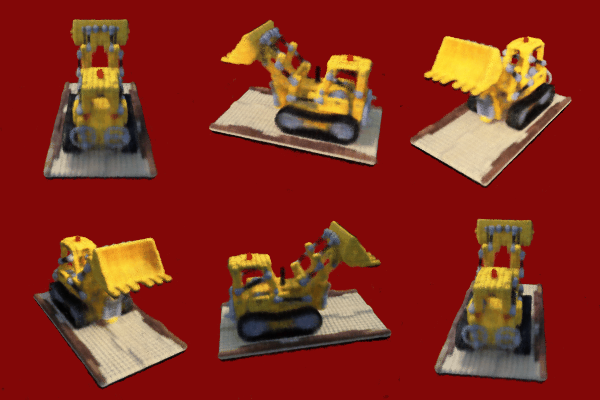
For this section, I rendered the Lego video with a different background color than black. Instead of retraining my model, the approach I took involved adding the injected color with the total transmittance––filling regions where no objects are present. Reload the page to see the restart animation.

Color View GIF

Conclusion

This was my favorite project so far this semester besides Project 3 (my Dad recently asked me to morph him into Tom Hanks). I learned alot about how to implement a resrearch paper and actually understand step by step how novel ML models work. I also got really good practice with PyTorch. Thanks for a great semester!